Markdown Cards Part 2: Scribbles & Flips
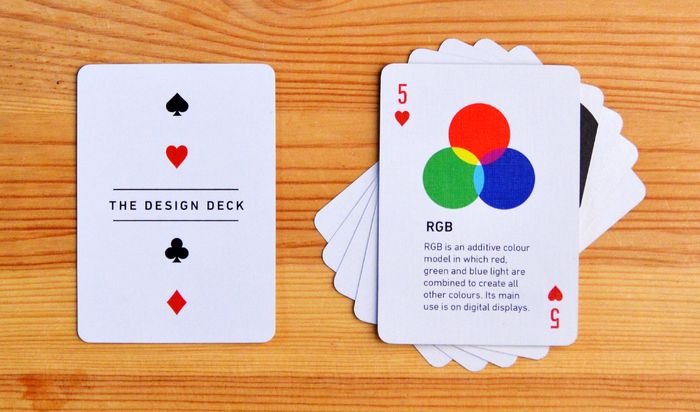
In Part 1, we introduced basic playing cards. Now, let’s get messy! We’re adding “scribble” styles, advanced flip animations, and the ability to put markdown on both sides of the card.
1. The Scribble Style
Perfect for that “hand-drawn” or “whiteboard” aesthetic. We use irregular border radii to simulate a sketch.
Neat Sketch
Clean lines, subtle wobble.
The Back
Grid pattern for precision.
Rough Sketch
Thicker borders, more irregular.
The Back
Dot pattern for guidance.
Messy Sketch
Dashed lines, chaotic energy.
The Back
Diagonal stripes.
2. Advanced Flips
Why stick to horizontal flips? Let’s mix it up with vertical and diagonal rotations.
Vertical Flip
Hover me!
Flipped!
Rotated around the X-axis.
Diagonal Flip
Hover me!
Whoa!
Rotated on a 3D vector.
3. Flashcards: Markdown on Both Sides
This is where it gets useful. You can put full markdown content on both the front and back. Great for Q&A or “Reveal” cards.
Question 1
What is the capital of France?
(Hover to reveal)
Answer
Paris

Code Challenge
How do you center a div?
div {
  display: grid;
  place-items: center;
}
4. Image Gallery with Scribbles
Using your uploaded images with the scribble effect.
Design Deck
Minimalist style.
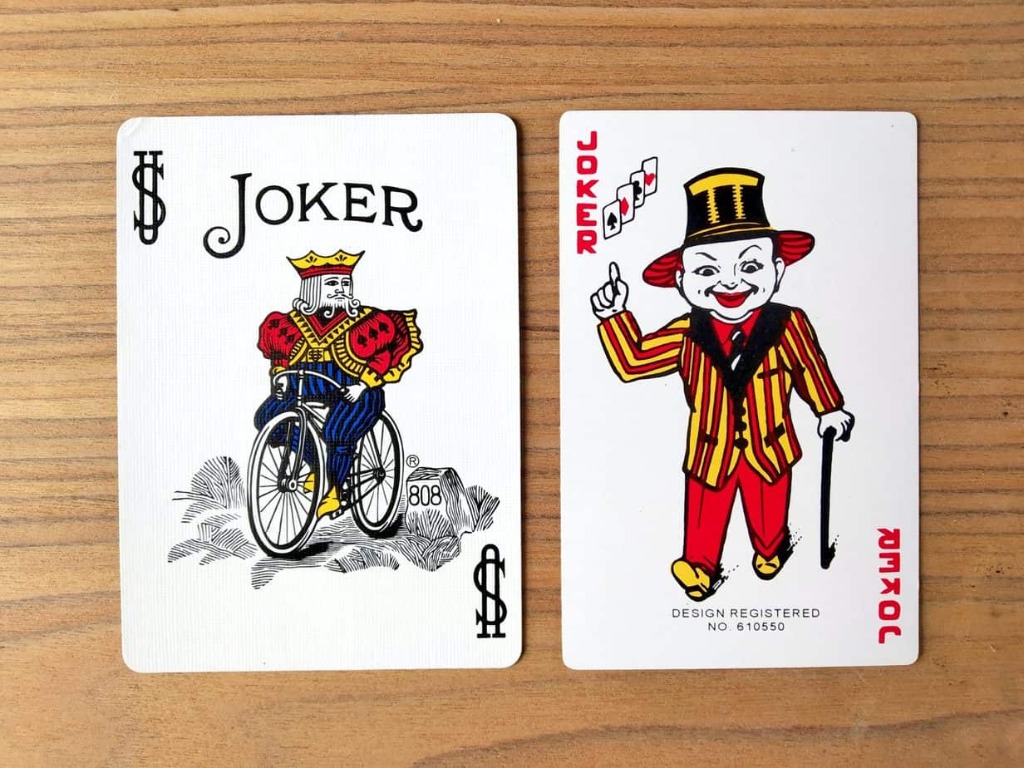
Joker
The wild card.
5. Diagrams with Scribbles
Step 1
Write MDX
Step 2
Import Components
Step 3
Enjoy Result
How to Use
Import ScribbleCard and use named slots for front and back.
<ScribbleCard flipDirection="vertical" scribbleStyle="rough">
  <div slot="front">
    # Front Content
  </div>
  <div slot="back">
    # Back Content
  </div>
</ScribbleCard>
Enjoy building your hand-drawn decks!