Typing Math: Animated Equations & Styles
We’ve explored typing text, but what about typing math? It’s a bit more complex because math equations are often 2D structures, but we can simulate the effect of an equation being written out.
In this post, we’ll introduce the typewriter animation and the chalkboard style for our <StyledMath /> component.
1. The Typewriter Effect
This animation reveals the equation from left to right, simulating a typewriter or a mechanical printer.
It works by animating the width of the container.
2. Chalkboard Style
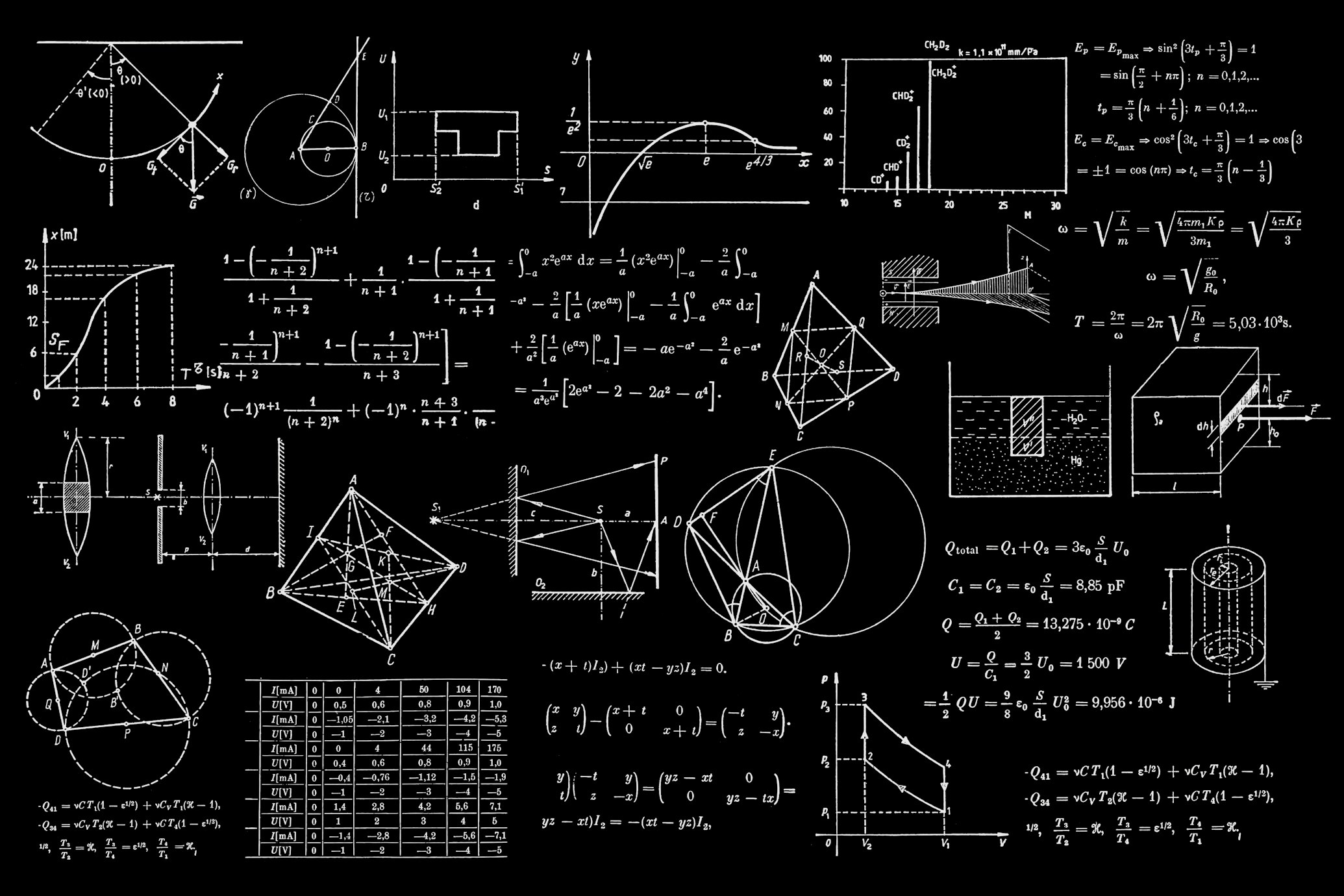
Nothing says “math” like a chalkboard. We’ve added a new style that mimics the look of chalk on a slate board.
Combined: Writing on a Chalkboard
Let’s combine the chalkboard style with the reveal animation (which is smoother than typewriter) to simulate writing on a board.
3. Step-by-Step Guide
Here is how you can use these new features in your markdown.
Typewriter Animation
Use animation="typewriter" and trigger="visible" to start the animation when the user scrolls to it.
<StyledMath animation="typewriter" trigger="visible">
  $$ E = mc^2 $$
</StyledMath>
Chalkboard Style
Use style="chalkboard".
<StyledMath style="chalkboard">
  $$ a^2 + b^2 = c^2 $$
</StyledMath>
Mixing and Matching
You can mix any style with any animation!
<StyledMath style="neon" animation="typewriter" trigger="visible">
  $$ i\hbar \dot{\Psi} = \hat{H}\Psi $$
</StyledMath>Go ahead and experiment with these combinations to make your math content engaging and fun!