Mastering Math Styling: Part 2

In Part 1, we introduced the basics of styling math in Markdown. Now, let’s take it a step further with new themes and interactive on-scroll animations.
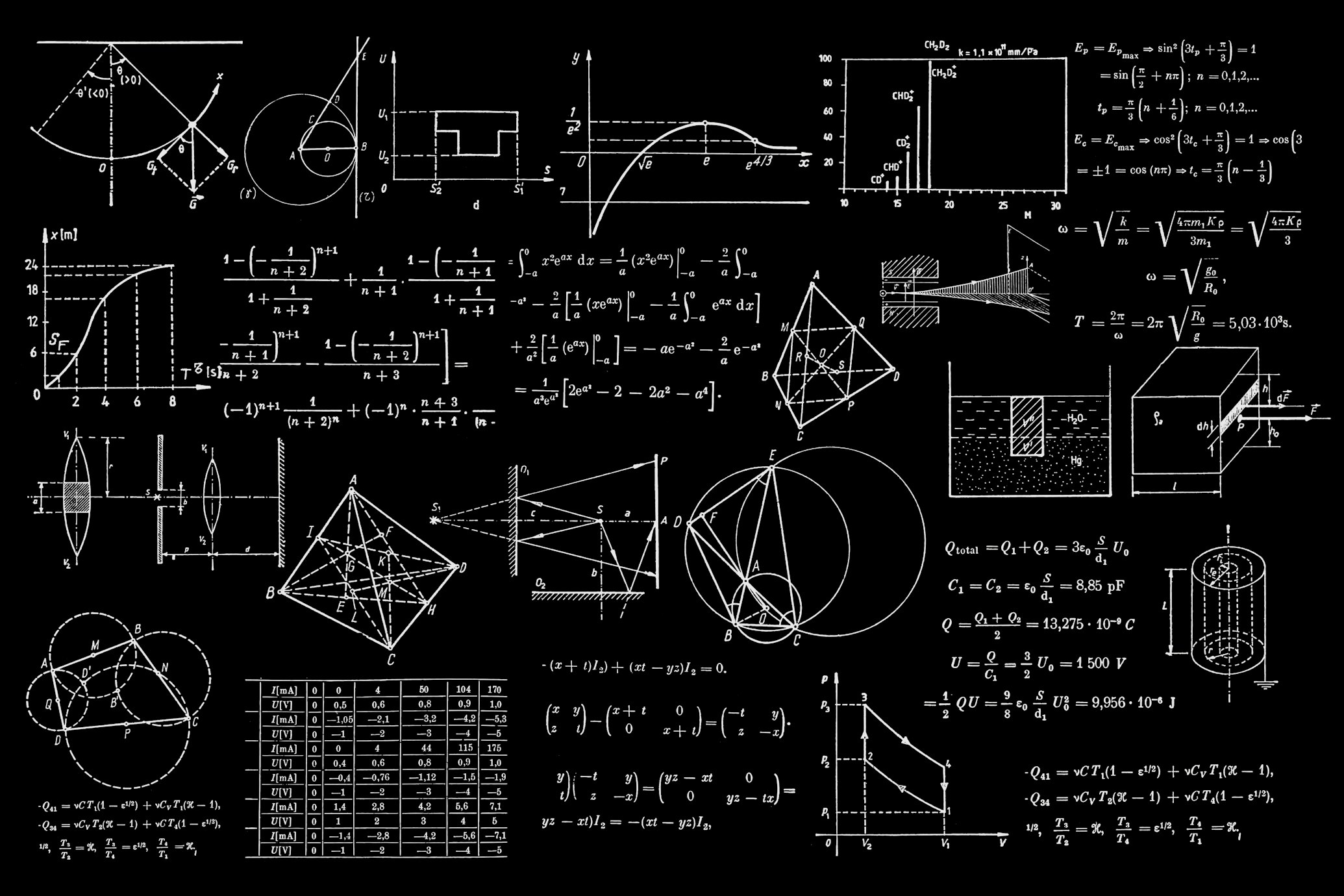
1. New Chalk Styles
We”ve expanded the chalk style to support different board colors and even a light mode!
Light Chalk (Whiteboard)
Perfect for light mode users or a clean whiteboard aesthetic.
<Matrix
  data={[[1, 2], [3, 4]]}
  style="chalk-light"
/>Blue Chalkboard
A classic university lecture hall vibe.
<Equation
  formula="\oint_C \vec{E} \cdot d\vec{l} = -\frac{d\Phi_B}{dt}"
  style="chalk-blue"
/>Green Chalkboard
The traditional classroom look.
<Matrix
  data={[[1, 0, 0], [0, 1, 0], [0, 0, 1]]}
  style="chalk-green"
/>2. Notebook Style
Want your math to look like it was written in a student’s notebook? Try the notebook style.
<Equation
  formula="x = \frac{-b \pm \sqrt{b^2 - 4ac}}{2a}"
  style="notebook"
/>3. On-Scroll Animations
All our math components now support on-scroll animations. They will only trigger when they enter the viewport. Scroll down to see them in action!
Fade In Matrix
<Matrix
  data={[[1, 2, 3], [4, 5, 6], [7, 8, 9]]}
  style="glass"
  animate={true}
  animationType="fade-in"
/>
(Scroll down…)
Slide Up Equation
<Equation
  formula="e^{i\pi} + 1 = 0"
  style="neon"
  animate={true}
  animationType="slide-up"
/>
(Keep scrolling…)
Typewriter Effect
<Equation
  formula="\lim_{x \to 0} \frac{\sin x}{x} = 1"
  style="chalk-blue"
  animate={true}
  animationType="typewriter"
/>
(Almost there…)
Conclusion
These new styles and animations give you even more tools to create engaging educational content. Whether you’re writing a formal paper or a fun tutorial, there’s a style for you.